

Your site opens faster on phones, because every page sends a tenth of the code
Every page of a Husly site now sends about a tenth of the JavaScript it sent this morning. A phone gets the page ready sooner and answers taps faster, and you do not need to change anything.
What changed and who it matters to
On 29 October we made three changes to Husly's public site that reach every page of every customer's site. A page now sends the visitor's browser only the code that page really uses.
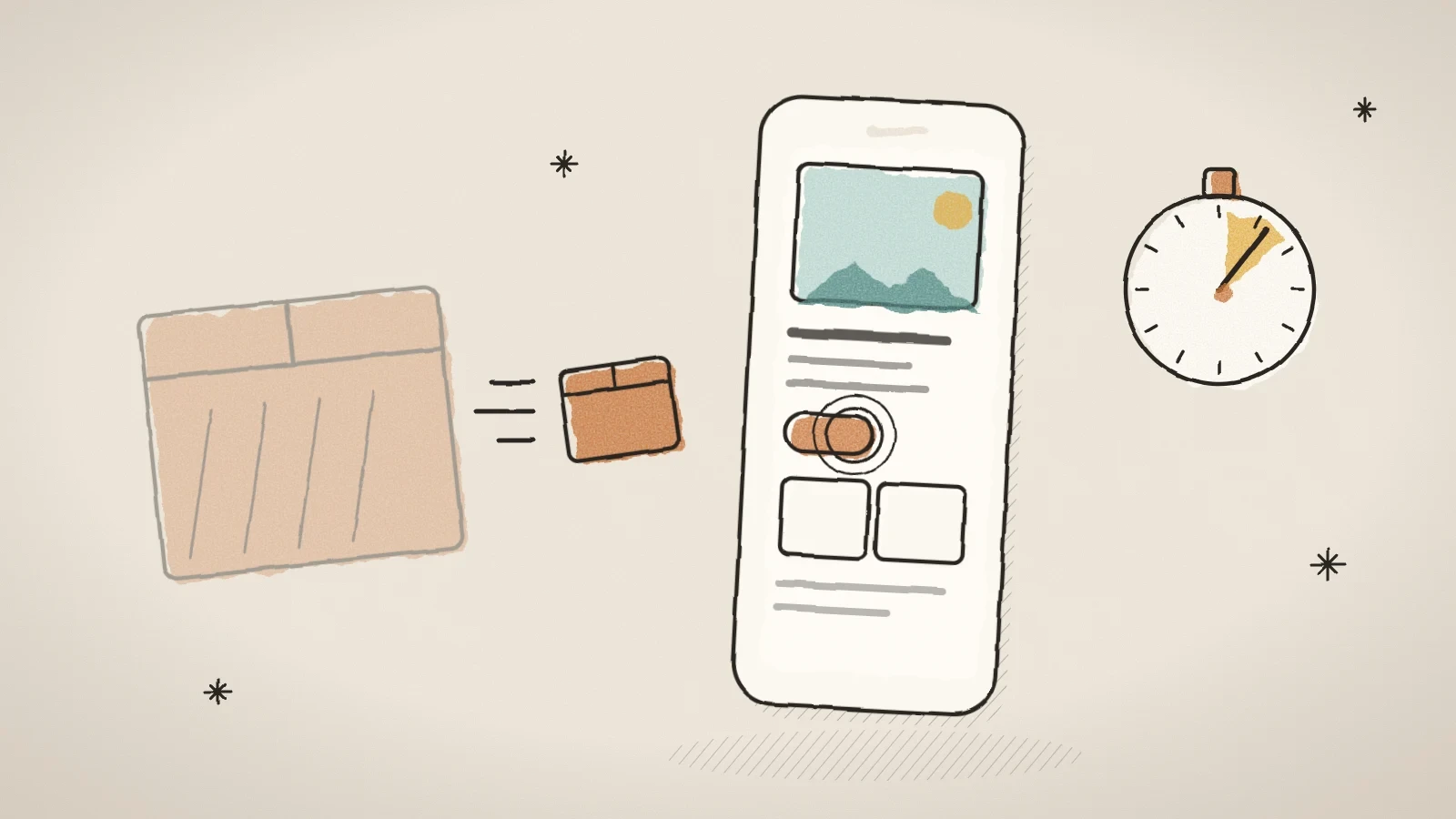
We measured a production build of the public site before and after the change, looking at the page's first script: the one the browser has to load before the page can answer a tap. This morning it was 10.0 MB, or 2.6 MB in the packed form that travels over the network. Now it is 938 KB, or 288 KB packed: about a tenth. Blog posts and design previews now send just as little.
The change is on for every site. You do not need to switch anything on or change your pages.
Pages look and work as before, and the text is there from the first moment. What changed is how much the browser has to load before the page is ready.
Why the amount of code matters on a phone
A phone has to download, read and run every script a page sends before the page answers a tap. On a mid-range phone, 10 MB of script is several seconds of work. In that time a visitor may already press a button, and nothing happens.
Google shows two numbers in its page speed report: LCP, how soon the page's largest image or heading appears, and INP, how soon the page answers a tap. Loading and running the scripts is what makes them poor on a phone.
Less script means less waiting before the page is ready, and faster answers to taps.
What reaches the visitor now, and what waits its turn
Until now every visitor got everything: the code of every widget, the whole design kit and all of the roughly 1,600 menu icons, whatever the page used. Now each part loads only where it is needed.
- Widgets. The code for a form, a gallery, tabs, rental search, booking or events comes only to a page that has that widget. The server still draws the widget, so its content is on the page at once.
- Moving sections. The engine behind reveals, tilts and scroll scenes loads only on a page that uses such a section.
- Menu icons. A menu loads only the icons it shows. Each icon's place is kept from the start, so the menu text does not move when the icon arrives.
- The owner's toolbar. A visitor does not load it at all. A signed-in owner gets the same toolbar a moment after the page is ready, as before.
- The chat. When the chat is switched off, none of its code loads. When it is on, the bubble shows at once and the chat itself loads at the first idle moment or at the first tap. The first tap always opens the chat.
- The read-aloud player. It loads only on a blog post that has a recording.
- Header menus. Each site loads only its own kind of header menu, such as the dropdown menu, the full-screen menu or the search.
A widget becomes clickable once its own small file has arrived, a moment after the page. Before, it had to wait for the whole large script, so on a phone it is usually ready sooner than it used to be.
How to see the result yourself
You can check a page's speed with Google's PageSpeed Insights. It shows a lab measurement and, when the site has enough visits, data from real visitors.
The lab measurement shows the change at once. The real-visitor data in Google's report gathers the visits of the past 28 days, so that number improves gradually.
One small visible change is in the menu. Menu icons chosen with the newer icon picker did not show on the site at all before. Now they do, both the new ones and the icons saved in the older form.
Open PageSpeed Insights
Go to pagespeed.web.dev and type in the address of a page of your site.
Choose Mobile
Look at the mobile result, because phones gain the most from this change.
Read the LCP and INP numbers
LCP says how soon the largest image or heading appears, INP how soon the page answers a tap.
An example from a small business site
Take a florist's site whose home page has a large picture, a gallery and a contact form, with the chat switched off. Until now every visitor's phone also loaded the code for rental search, a booking calendar, an events list, the chat and the read-aloud player, though none of them was on the page.
Now the same phone loads only the page's own parts: the gallery, the form and the header menu. Everything else stays on the server until a page really needs it. The visitor sees the same page as before. The gallery and the form become clickable as soon as their own small files arrive, instead of waiting for the whole large script.
What we have not done yet
Every page still carries a list of icons, about 99 KB or 22 KB packed, and the site search widget still brings the search code to pages that have no search. Both are on our list of next steps.
Two header designs, Kinetic and Liquid Glass, still load at once. They wrap the whole header, and loading them later would leave the whole header waiting for a second file.
Frequently asked questions
No. The change is in when the browser loads the code, not in what the page shows. The header, the menus, the search, the chat and read-aloud look and behave as before.
Yes. A blog post can hold widgets, and there too a widget's code loads only when the widget is in the post. The same goes for design previews.
No. When you are signed in, you get the same toolbar with the same menus and editor a moment after the page is ready, as before. The difference is that a visitor no longer loads that code at all.
Try Husly on your own business
Start free, no card needed. If you have questions first, write to us and we reply within one working day.