

What changed and who this matters to
We fixed three things in the rental module's review system, all of which affect how trustworthy your listings and reviews look on your site.
First, we made sure review invitations are sent so that a single renter can never receive the same "how did it go?" email twice. This was done proactively: right now only one API container is running, so there's no real risk of duplicate sending, but the code itself now guarantees the "once, always" principle, rather than that being a coincidental feature of the current server setup.
Second, we fixed how the average rating is displayed in the reviews block. Previously, the server could show a rating as 4.8 while the browser showed it as 4,8, which caused a technical error (a hydration error) and made the number flicker briefly. Now the rating is written in the correct language before it even reaches the page.
Third, listing cards now include a star rating: the average rating and number of reviews are now visible in the catalog view and in the builder preview, just as they already were in the listing's reviews block. This matters to anyone renting out items, spaces or services, whose customers' decisions are influenced by what previous renters have written.
Sending review invitations is now locked down
The review invitation logic still works the same way as before: after the rental period ends, the renter is sent an email asking how it went, and this happens exactly once per booking. The difference is in how the platform now guarantees that "once" stays true even if multiple server processes were to run at the same time in the future.
Previously, a booking was marked as sent using a separate command that wrote a timestamp regardless of whether the booking had already been marked. If two processes had read the same booking at the same moment, both would have been cleared to send, and the renter would have received two identical emails. The system now uses the same principle already in place for the portal login link: the marking only succeeds if the booking is not yet marked, and a process that doesn't meet that condition never sends the email.
As a user, this changes nothing visible for you. The timeframe within which the invitation is sent, and the time the renter has to respond, remain the same as before.
The average rating is now shown in the correct language
The reviews block shows an average rating next to the listing, for example "4.8". Previously, one piece of code calculated this number using the server's default language settings, while another piece of code in the browser used the page's actual language. In Estonian, this meant the server wrote "4.8" (with a period) and the browser wrote "4,8" (with a comma) - two different pieces of text for the exact same number. This mismatch caused a technical error in the background and briefly showed the wrong number.
Now the rating's written form is decided once, when the data is assembled, and it's based on the page's language: "4,8" on an Estonian page, "4.8" on an English page. The same principle applies to the builder's sample data, so when editing you see the same format a visitor will see later. Screen readers read out a sentence built from the same text, not a raw number.
Listing cards now show a star rating
Listing cards now show a line under the name in the form "★ 4.8 (12)": a star, the average rating and the number of reviews. This applies to the catalog view, the featured listings block, the site's default catalog page, and the builder preview.
Only published reviews on published listings are counted, the same way as in the listing page's reviews block, so the rating shown on the card and on the listing page are always consistent. A pending or hidden review has no effect on the stars. If a listing has no reviews yet, the star line isn't shown at all, not "0 stars" and not an empty line.
Managing the star rating
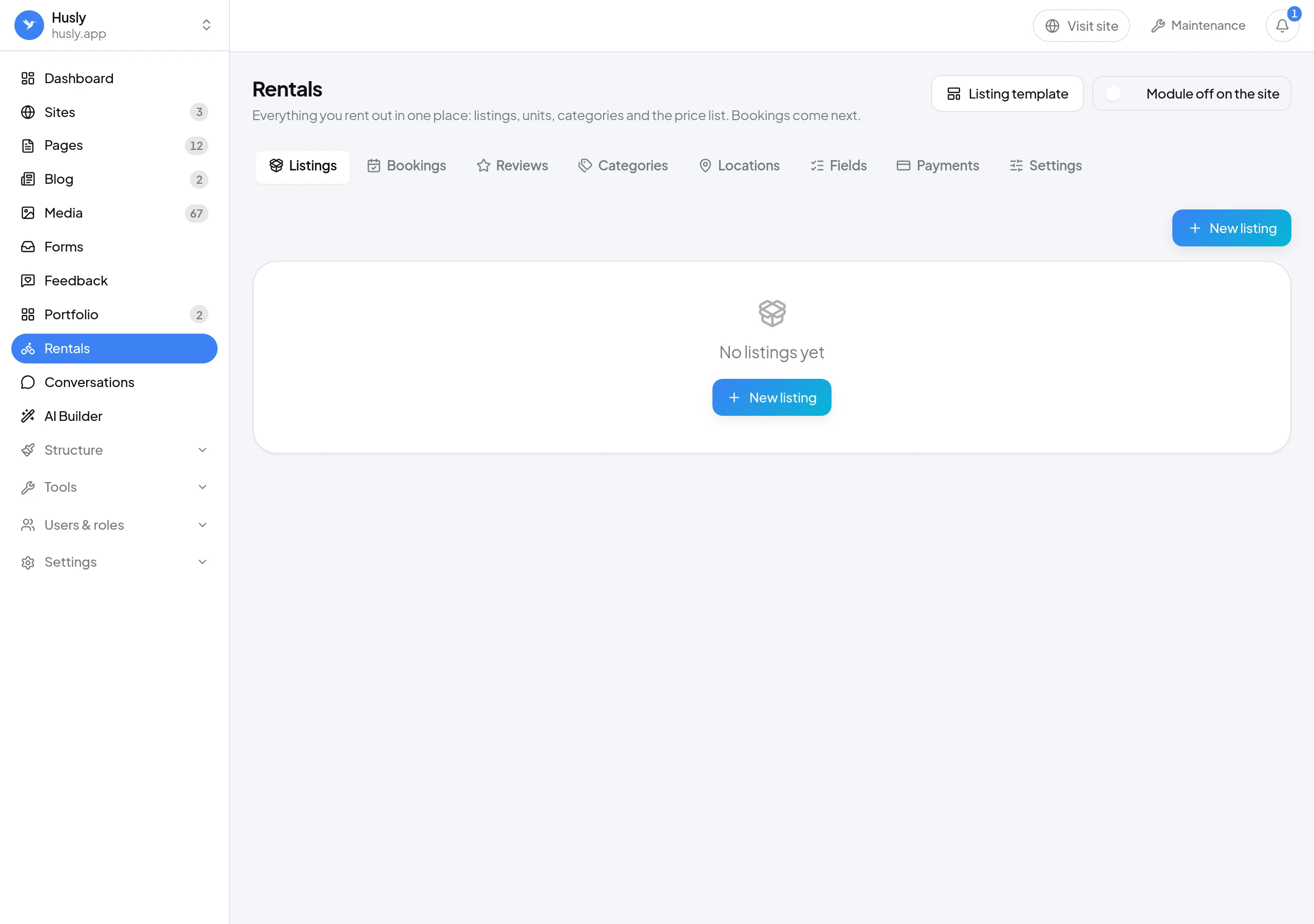
Open the rental listings list
Go to the Listings screen (/rentals) and select the listing whose reviews you want to check, or go to the builder if you want to change how the card looks.
Check the "Star rating" toggle
In the catalog and featured listings block, this toggle sits alongside the card's other elements (type, summary, price). It's on by default, including for blocks created before this feature was added.
Edit the screen reader sentence if you want
Under the "Rating wording" field you can customize the sentence using the placeholders {rating} and {count}. Leaving the field empty uses the default sentence, so the stars are never left without a label.
The card's stars only count published reviews on published listings, using the exact same calculation as the listing page's reviews block. The card and the listing page can therefore never contradict each other.
An example in practice
Say you rent out a studio space to photographers. The listing has 12 published reviews averaging 4.8. Previously, the listing page showed this rating, but the catalog view, where visitors browse listings, showed nothing. Now the visitor already sees the line "★ 4.8 (12)" right under the space's name in the catalog, and can choose based on trustworthiness while browsing, before even opening the listing.
If you have a new space in the same catalog that hasn't been rented out yet, its card won't show an empty star line or "0 stars" - the star line simply won't appear until the first published review comes in.
What we deliberately did not do
We did not add structured rating markup for search engines ("AggregateRating") to the cards or the listing page. Such markup is expected on a page that also shows the reviews it summarizes, and a listing card never does that, while the listing page doesn't currently support it either.
The listing page's main block (the listing's own view) doesn't show stars in card form - that's a separate design question that wasn't addressed at this time.
Frequently asked questions
No. The toggle is on by default, including for listing blocks created before this feature was added. Stars appear automatically as soon as a listing has at least one published review.
No. The rating is an optional field in the listing data, so a site using an older API will show cards without stars, not with an error.
The server and the browser used different default settings for writing the number. The server wrote the rating in English format (with a period), the browser in Estonian format (with a comma), which caused a clash between the two versions of the text. Now the format is decided once, when the data is assembled, based on the page's actual language.