

Mark old addresses as gone for good and test card payments without swapping keys
The 404 monitor can now mark old addresses as gone for good, the automatic save takes a restore point before its first write, and the test and real-money keys for card payments sit side by side. Also: forms on your pages, an email signature and a new font list.
What this batch of updates covers
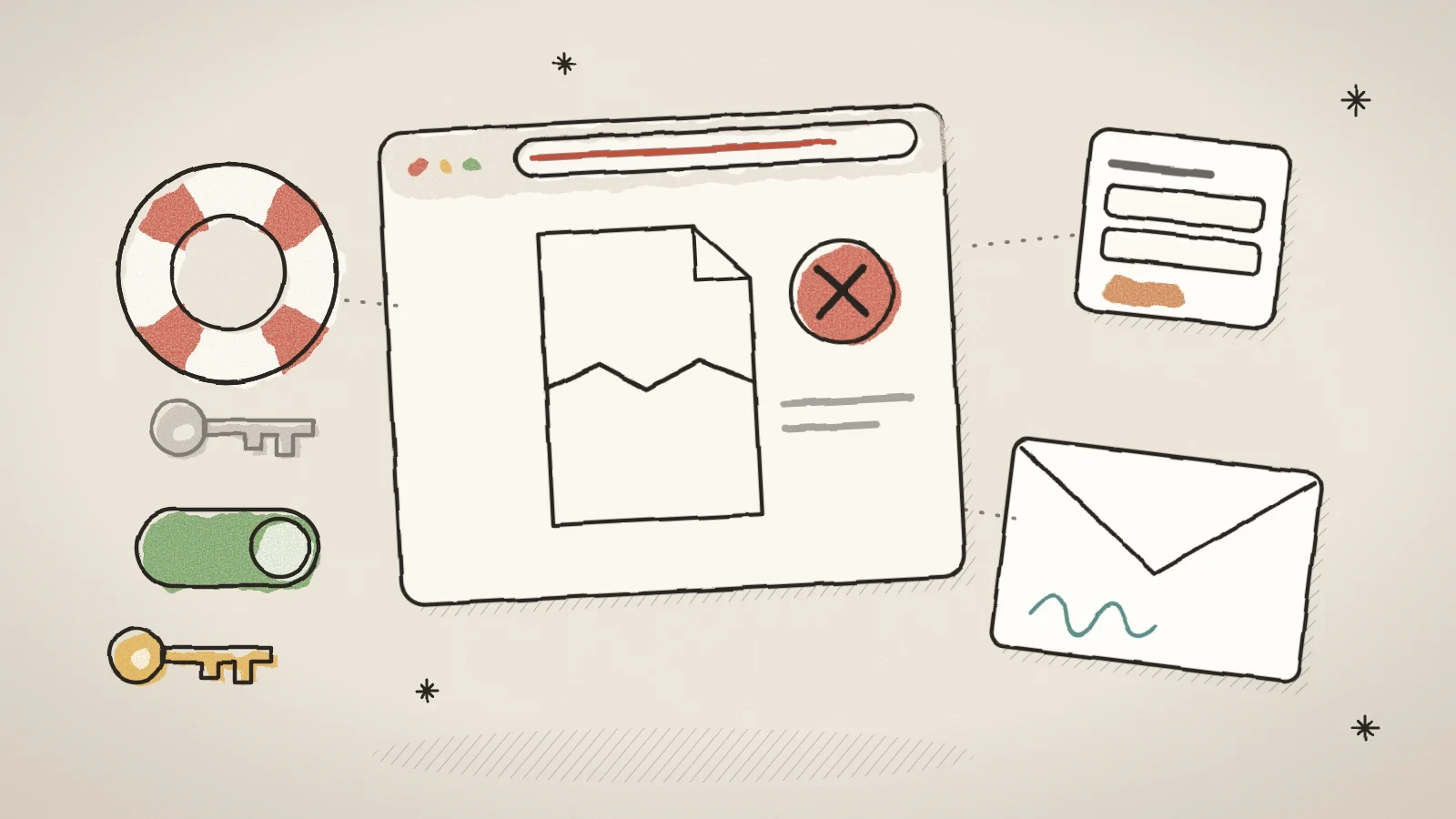
From 10 to 14 October six updates reached the admin. Several of them are safety nets: they protect your site from mistakes that are easy to make and hard to notice. You can mark old addresses as gone for good, so Google drops them from search. The automatic save takes a restore point before its first write. The test and real-money keys for card payments sit side by side.
On top of that, the forms list shows the forms that live on your pages, you can add a signature to your site's automatic emails, and the themes page shows fonts in their own face. Your existing settings stay as they are until you change them.
Mark old addresses as gone for good
Some addresses are never coming back: a page deleted on purpose, or spam pages that a hacked old site left in Google's index. Until now Husly could only answer them with 404, and the 404 monitor filled up with them. Now you can mark an address as gone for good (410). The site then answers with a 410, Google drops the address from search, and the visitor sees a page in their language that says the page no longer exists, with a link to the homepage.
A 410 rule may use a star: /products/* retires a whole folder, and *.php every PHP address. A rule can name a query too, so /?v=* retires homepage addresses that carry a v parameter while the homepage itself stays. A rule so broad that it would hit the homepage or the whole site is refused. The Redirects tab shows such a row as "410 gone".
Open the 404 monitor
Open the SEO page and its 404 monitor tab. Every row has two buttons: Redirect and 410.
Pick what to retire
410 offers the address itself, its folders and its file type, and shows how many logged rows each choice covers before you pick it.
Save the rule
Saving marks every row the rule covers as resolved, so one pattern can clear thousands of rows at once.
The automatic save takes a restore point before its first write
The automatic save writes the page a couple of seconds after you stop typing. On a published page that is a publish, so a session of trying things out could replace a working page with nobody pressing a button, and there was nothing to go back to. Now the first automatic save of each editing session takes a restore point before it writes. The point holds the page as it was when the session began.
It shows in the builder's Restore points tab as "Before an automatic save", and on the site's restore point timeline. So that the safety net does not become a cost, such a point is taken at most once every ten minutes, and the newest five are kept. A site that is out of storage gets no new point. When you press Save yourself, no point is taken, because then you have decided.
See the forms on your pages in the forms list
The Forms tab of the Forms page used to list only the forms made there. A form built as a block on a page, such as a price calculator, delivered its answers, but the list said there were no forms yet. Now the tab has a second list, Forms on your pages.
Each row has the form's name and the kind of block, the pages it is on (a draft is marked), the number of responses and how many are new. The Responses button opens that form's responses only, and Open the page opens the page in the builder. A form whose block was removed from the page stays in the list as "Not on any page now", so its responses can still be found. A line above the list says where the notice of a new request goes.
Keep the test and real-money keys side by side
On the Integrations page, the Card payments card can now hold two sets of Stripe keys: test keys and real-money keys. The Active environment choice switches which one is in use, and no key has to be typed again. Before, a shop owner who wanted a test purchase had to paste the test keys over the real ones and back again afterwards, and one typing mistake left the shop unable to take a payment.
Saving keys does not switch the environment; only the choice does, and before it switches, the stored keys are checked against Stripe. A box refuses a key that belongs to the other environment. Each payment keeps the environment it was made in: while the site is on test, a refund of a real payment still goes out with the real-money key. Sites that have one set of keys today keep working as before.
While the active environment is Test, real cards are refused and no money moves, even though the shop looks exactly like the real one. Before you start selling, check that Real money is active.
Add a signature to your site's automatic emails
No automatic email used to end with a signature. Now the Notifications page has an Email signature card. Your signature goes under your site's own emails: the form auto-reply, a booking confirmation, an order email and a chat notice. It does not go under sign-in or billing emails, and a marketing campaign has its own footer with the unsubscribe link.
The five fields are all optional: a closing line, a name in bold, up to six lines under it (a role, a phone number, a web address), an icon from the media library, and the colour of the bar beside the name. The result shows beside the fields as you type. The Fill in from the site button fills the empty fields with the site's name, address, brand colour and icon, and never overwrites what you have typed. The fields take no HTML and no links, and one signature goes under the emails in every language.
See fonts in their own face on the themes page
The font field on the themes page used to be a list of 1,500 names, all in the same typeface. Now every font is a tile with its name drawn big in its own face, so you see the style before you pick it. The search box finds a font by part of its name, and the buttons filter by kind: All, Serif, Sans serif, Display, Script and Mono. The font in use leads the list, marked with a check.
On the same page, the Favicon field now warns you when the picked picture is not square, and gives its side ratio. Google shows a site's icon in a square in search results and stretches a picture of another shape to fill it, so a wide icon looks squeezed there even though it looks fine in the browser tab. The warning does not block the save.
Frequently asked questions
Redirect when the address's content now lives on another page. Use 410 when the content is not coming back and no page replaces it. A rule wins over a page at the same address, so do not retire an address you still use.
No. The point is taken only before the first automatic save of a session. When you save by hand you decide, and the other restore points work as before.
Yes. Your current set stays active and the other box is empty until you add keys to it. In the Stripe dashboard, add the webhook address in both test and live mode, because each gives its own signing secret.

Try Husly on your own business
Start free, no card needed. If you have questions first, write to us and we reply within one working day.